The player
The firmware is ours
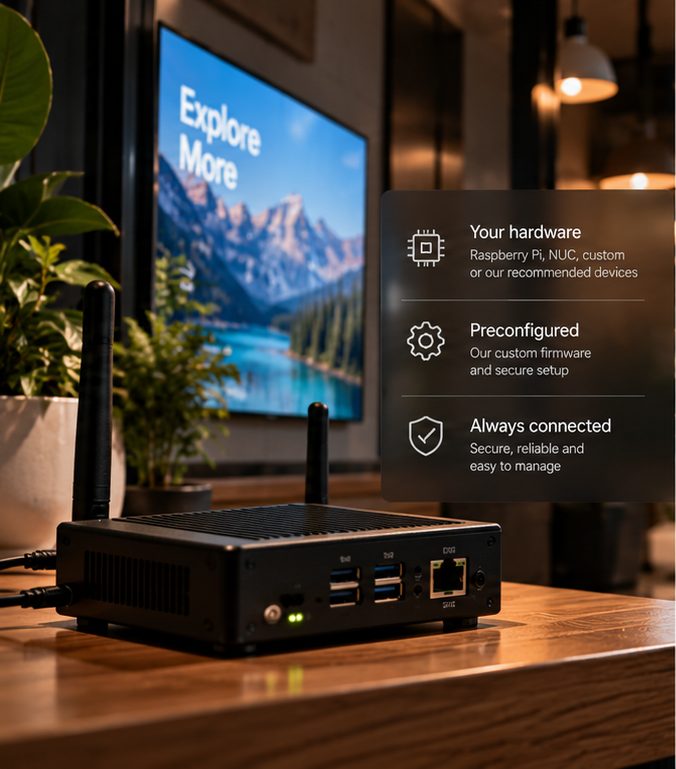
We do not make panels. We write the system that runs the player — it boots straight into playback, with no desktop and no app store underneath it to crash.

Digital signage, run properly
And a player whose firmware we write ourselves — so it keeps playing when the network drops.
What you get
The player
We do not make panels. We write the system that runs the player — it boots straight into playback, with no desktop and no app store underneath it to crash.
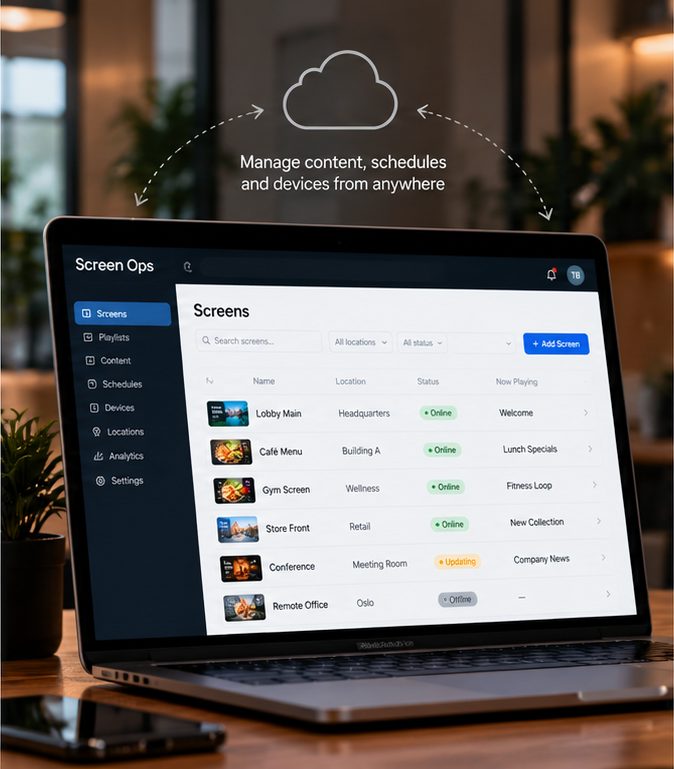
The console
Media, playlists, screens, walls and opening hours. Publish once and every player downloads first, switching over only when every file has landed.
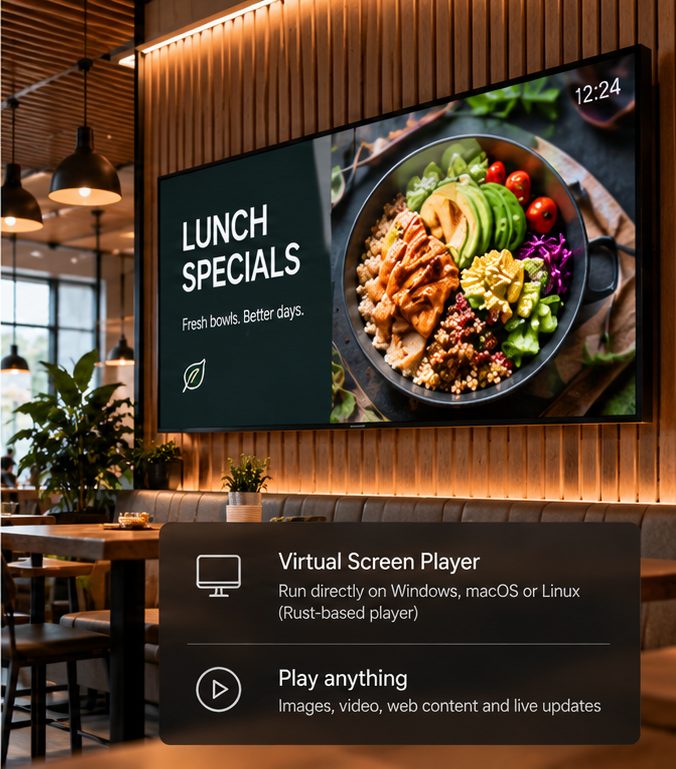
Or no hardware at all
Run it on a Windows, macOS or Linux machine you already have. Useful for a pilot, a spare screen, or a venue where a box is one thing too many.
Content that changes itself
Schedule by date, by opening hours, by venue. Screens switch themselves off when the place closes and on before it opens, in the venue's own timezone.
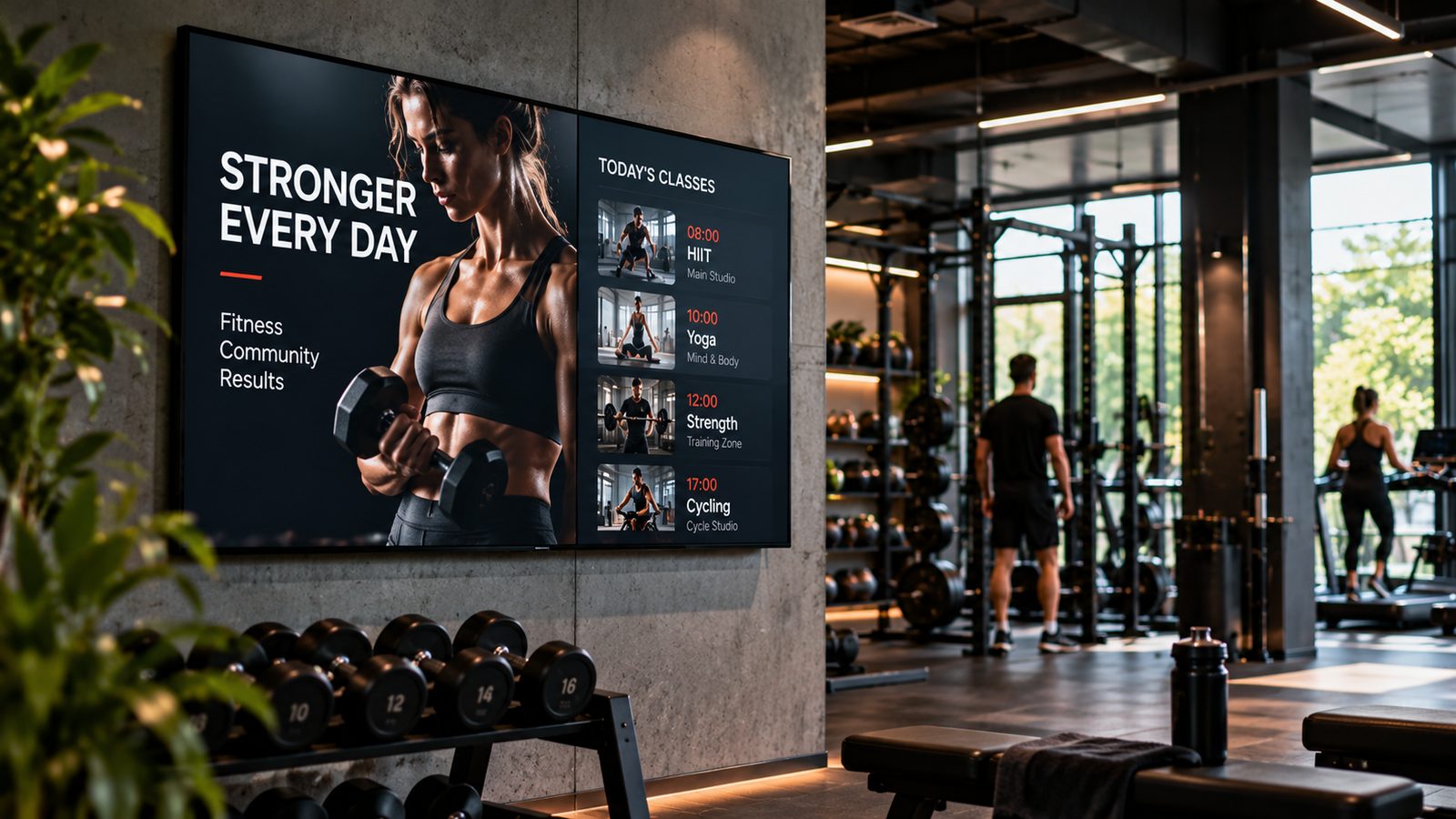
Getting a screen on the air
Ethernet, or join it to the venue's WiFi from a phone — the player serves its own setup page when it has no network.
A new player shows a short code on the television. Type it into your console and the screen is yours — nothing is configured in advance, so a box in transit carries nothing worth stealing.
Assign a playlist and publish. What played, where and for how long comes back to you, so a month's report is something you can hand to a client.
Where it runs